JPEG output • 100,000-byte maximum

Compress JPEG to 100 KB

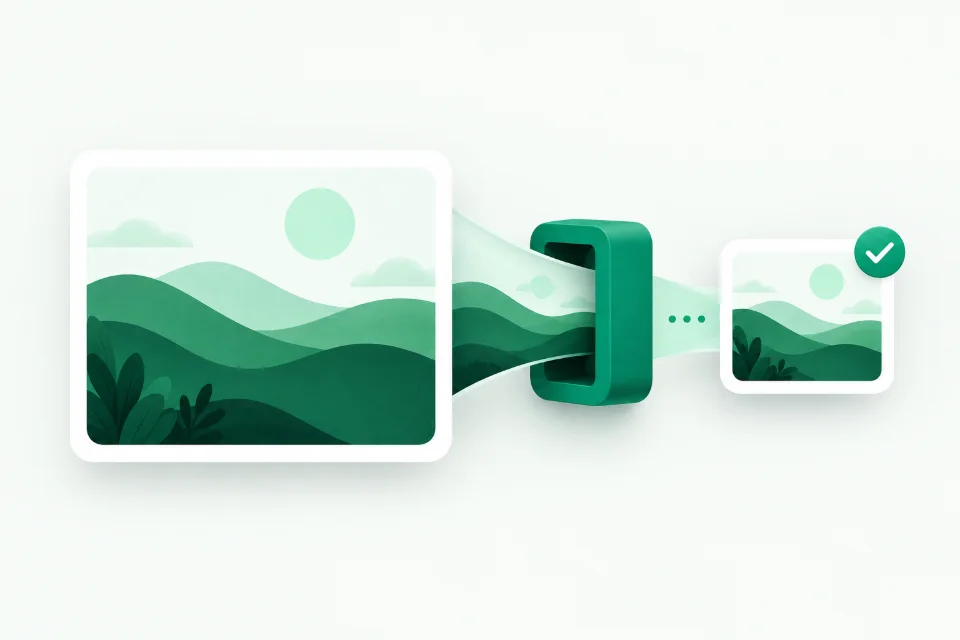
Compress JPEG photos to a verified maximum of 100,000 bytes. JPEG encoding is lossy, so use the comparison to check color and detail.

A smaller file starts here.No sign-up
Maximum size

Drop your image here
browse files

JPG, PNG or WebP → at most 100 KB

Max 15 MBMax 24 MPPaste from clipboard
01 · Choose your settings
KB

100,000 bytes maximum · 1 KB = 1,000 bytes

Auto keeps JPEG inputs as JPEG and uses WebP for other inputs when supported. JPEG fallback uses a white background.

Zero server uploads: Processed in local browser memory
Decimal bounds: 20 KB = 20,000 bytes verified
  • Free to use. No account needed.
  • Your images stay on your device.
  • Check the preview and exact file size.
JPG · PNG · WebPUp to 15 MB · 24 MP
A little help getting the right result

How to Prepare Your Image in 3 Steps

1

Select or Drop Image

Choose a supported static JPG, PNG or WebP file up to 15 MB and 24 megapixels. Animated images and PDF files are not supported.

2

In-Browser Compression

Your browser tries quality and dimension settings within its processing limits. Time depends on the file and your device; a matching result is not guaranteed.

3

Download Verified File

Download after checking the result against your destination’s file type, size and dimension requirements.

A GOOD FIT, NOT JUST A SMALL FILE

Make every kilobyte count.

How compression works

Choose the right output format

Use JPG when your form asks for a photograph in JPEG format. JPEG replaces transparent areas with white. Use WebP when the destination accepts it and you need a smaller file or transparency.

PNG is supported as an input. Downloads are JPEG or WebP; this tool does not export PNG or PDF.

Small enough, and still readable

Compression can soften details and reduce pixel dimensions. Check faces, letters and signature strokes in the comparison before downloading. File size in KB and image dimensions in pixels are different requirements.

For a strict 20 KB maximum, this site checks against 20,000 bytes. See why that differs from 20 KiB.

Supported inputs are static JPG, PNG or WebP files up to 15 MB and 24 megapixels. Before compression, the working image is limited to 12 megapixels; larger sources are reduced proportionally even if a generous byte limit is selected. The search may reduce dimensions further. Some images cannot reach the selected maximum within the time, attempt and minimum-dimension limits. The tool does not pad a smaller result to an exact size or enforce a minimum file size.

Still getting an upload error?
  • Check the destination’s required file type. A small WebP file will not work in a JPG-only field.
  • Check both minimum and maximum file size. A result under 20 KB may also be below a required 10 KB minimum; this tool enforces a maximum only.
  • Check the required pixel dimensions, crop, background and photograph date. This compressor does not set an exact width, height or DPI.
  • If the result is blurry, crop away unnecessary background in an image editor first, then try again. Choose a larger target only if the destination allows it.

Frequently Asked Questions

How does JPEG compression to 100 KB work?

The tool adjusts the browser encoder quality and, when necessary, image dimensions. It checks the actual encoded bytes before offering the download; it does not pad the file to an exact size.

Can I upload files larger than 10MB?

You can try supported static images up to 15 MB and 24 megapixels. Valid files still depend on browser decoding support and device resources. Working images are limited to 12 megapixels before the compression search.